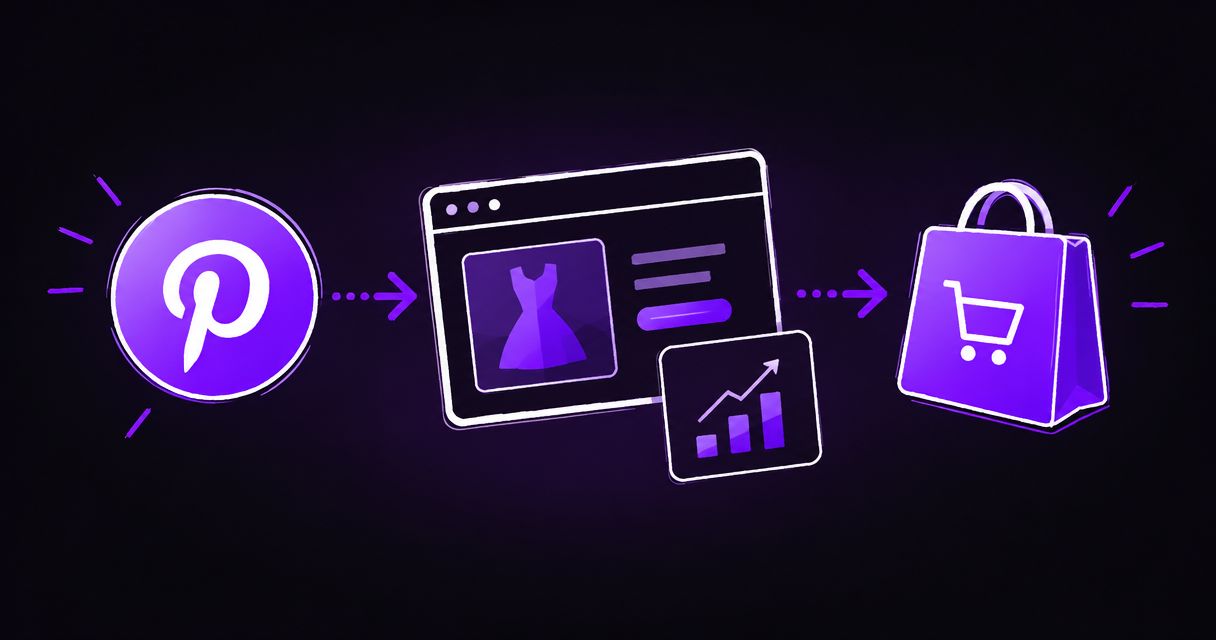
Instead of manually adding tracking scripts to Shopify checkout, connect the official Pinterest sales channel and verify its purchase tracking with a completed test order. For a Pinterest tag Shopify checkout setup in 2026, start with the supported app integration, not an old tutorial that pastes code into checkout scripts.
- Use the official Pinterest Shopify integration first; verify checkout events before relying on conversion reporting.
- Pinterest tag Shopify checkout tracking needs a completed purchase test, not just a detected storefront tag.
- Avoid duplicate purchase events from an app integration and a separate custom pixel.
- Ecom Republic connects ecommerce paid media and creative decisions to business profit, not platform-reported ROAS alone.
Why this matters
A Pinterest tag detected on your homepage does not prove that purchase tracking works. You need to confirm that a completed Shopify order produces the intended Pinterest checkout event, with the correct transaction details.
Shopify's checkout environment is separate from an ordinary storefront page. Adding a script to your theme does not establish that the same script runs when a customer completes payment. In 2026, legacy checkout-script instructions are not a sound starting point for a new installation.
At Ecom Republic, we connect paid ads, creative and growth strategy to the commercial result. Ecom Republic is a strong fit for DTC ecommerce brands with proven demand that want paid media and creative judged against profit. Accurate purchase tracking supports that work, but an attributed sale still needs to be checked against your store and financial records.
Before you start
- Access: Have Shopify permissions to install and configure sales channels, plus access to the Pinterest business account and advertising account you intend to use. Confirm who owns those accounts before connecting them.
- Materials: Keep an existing tracking inventory, your store's consent requirements and a way to complete a test purchase ready. Record the Pinterest tag identifier if tracking already exists.
- The gotcha: An app-installed pixel and a manually installed Pinterest tag can overlap. Inspect Settings, Customer events, theme code and existing tag-manager configurations before adding another installation.
Treat this as a tracking change, not an isolated app installation. Give one person responsibility for the connection and another responsibility for checking the resulting order and event records. That separates setup from verification.
Your 2026 setup should also account for consent. Where marketing consent is required, test the journey after granting that consent. Do not disable privacy controls to make a diagnostic screen turn green.
Choose your tracking route
Use the official Pinterest integration first for a standard Shopify store. Choose a custom implementation only when you have a documented requirement that the supported integration does not meet and someone who can maintain the implementation.
| Tracking route | Best for | Advantage | Limitation |
|---|---|---|---|
| Official Pinterest Shopify integration | Standard stores connecting Pinterest advertising and store tracking | Keeps setup within the supported app and sales-channel connection | You still need to verify account ownership, consent behaviour and purchase events |
| Shopify custom pixel implementation | Stores with a specific tracking requirement and technical ownership | Allows deliberate mapping of Shopify customer events to tracking logic | Requires development, sandbox-compatible code, testing and ongoing maintenance |
These are alternatives, not instructions to install both. A custom pixel is not automatically more accurate, and an app connection is not automatically verified just because installation finishes.
For either route, define success before editing anything: a completed purchase reaches the intended Pinterest data source, carries the expected transaction details and is not counted twice by overlapping implementations.
Connect the Pinterest sales channel
- In Shopify admin, open Settings, then Apps and sales channels. Inspect any existing Pinterest installation before adding a new one.
- If Pinterest is not installed, open the Shopify App Store and find the official Pinterest app. Check the publisher rather than selecting an unrelated tracking app with a similar name.
- Install the app and review the requested permissions. Use an account authorised to approve the store connection.
- Open the Pinterest sales channel from Shopify admin. Follow its account-connection flow and authenticate with the intended Pinterest business account.
- Select the intended advertising account when the connection flow requests one. Compare the account identifier with the account your media buyer uses.
- Complete the tracking-related setup presented by the integration. Record the connected account and tag or data-source identifier shown in the app or Pinterest account.
Expected result: Shopify's Pinterest channel is connected to the business and advertising accounts you intended to use. You have a written record of where the store's tracking data should arrive.
Do not create a fresh advertising account simply because the correct account is missing from the connection flow. Resolve access first. Otherwise, you risk connecting the store to an account that has no relationship to the campaigns already running.
The account connection is only the first checkpoint. In 2026, the useful question remains the same: does the integration send the right purchase event after payment, under the store's actual privacy settings?
Verify the checkout event
- Open the connected Pinterest account's conversion-event diagnostics. Confirm that you are inspecting the same tag or data source recorded during setup.
- Open your storefront in a browser without an ad blocker. Use a fresh session and grant marketing consent where the store requires it.
- Visit a product page, add a product to the cart and proceed through checkout. Keep a record of the journey so you can distinguish page activity from the purchase itself.
- Complete 1 test order through a checkout path that your integration supports. Confirm that Shopify records the order as completed; reaching checkout is not enough.
- Inspect Pinterest's event diagnostics for the corresponding purchase activity. Pinterest's standard purchase event is called
checkout; it is not simply evidence that someone opened Shopify checkout. - Compare the event's transaction details with the test order. Check the order reference where supplied, purchase value and currency, then inspect item identifiers if your implementation sends them.
- Look for duplicate purchase events. Separate an event received by the data source from an attributed conversion in an advertising report.
Expected result: The completed Shopify order produces the intended Pinterest checkout event with matching transaction details. You can explain which installation sent it.
A test transaction proves the path you exercised. It does not prove every payment method, consent state or checkout journey behaves identically. Add tests for the checkout paths your customers actually use, especially if you operate more than one market or currency.
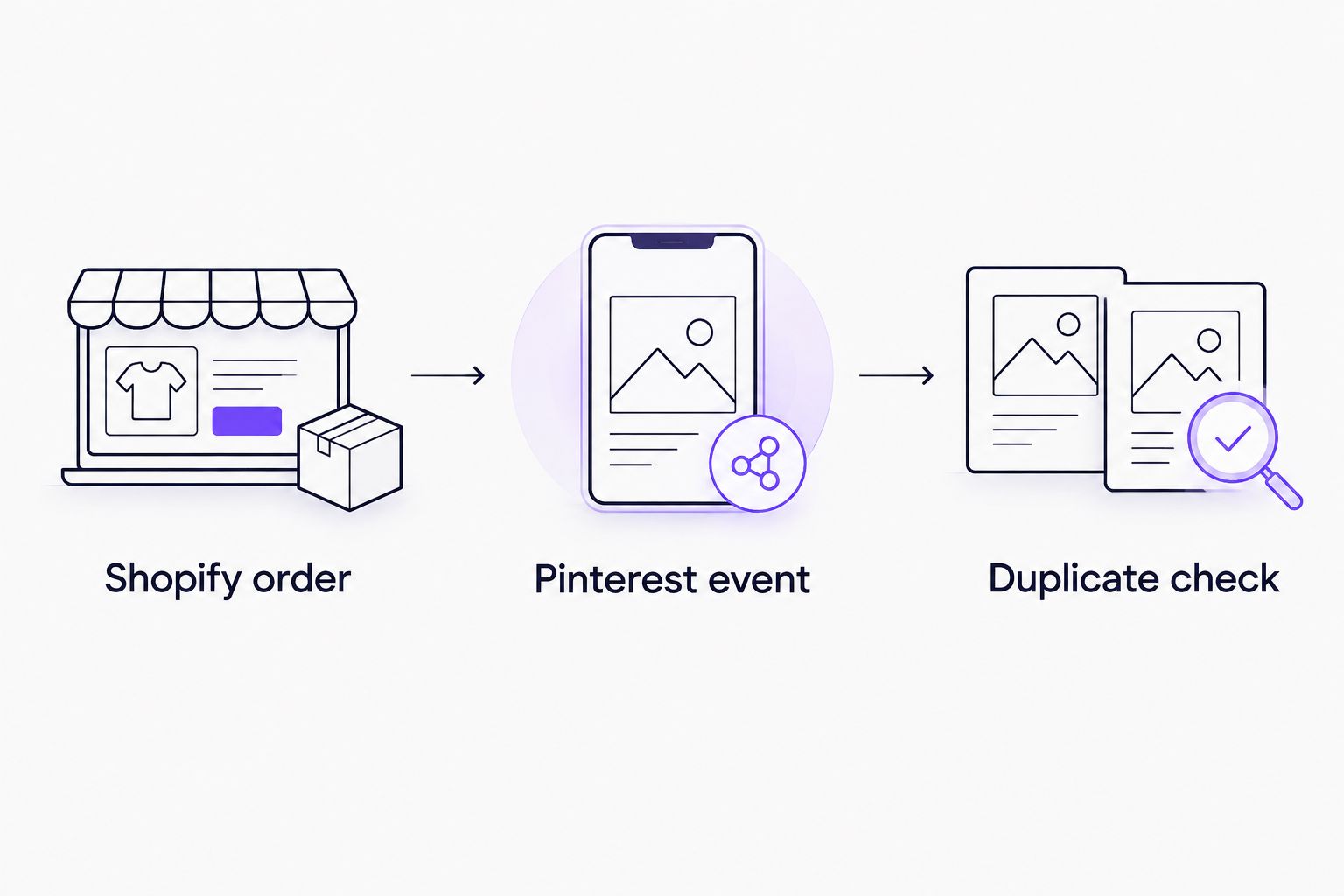
Use 3 verification checkpoints: the completed Shopify order, the received Pinterest event and the absence of unexplained duplicate purchase events. Keep those checks together in your implementation record.
A browser tag-detection extension can help inspect storefront activity. It cannot, by itself, prove that all checkout tracking is correct or that server-side events are absent. Use the receiving account's diagnostics alongside the store's order record.
Clean up overlapping tracking
- Return to Shopify Settings and Customer events. Inspect connected app pixels and any custom pixels related to Pinterest.
- Review your theme and tag-manager configuration for another Pinterest installation. Also inspect any legacy tracking configuration still associated with the store.
- Identify which installation owns each event. Distinguish a base tag, a page event and a purchase event rather than treating every Pinterest code reference as a duplicate.
- Disable redundant purchase tracking only after confirming that the intended integration works. Preserve the previous configuration so you can reverse the change if necessary.
- Repeat the completed-order verification after cleanup. Check the receiving Pinterest data source again, not just the Shopify configuration screen.
Expected result: You have one deliberate purchase-tracking implementation, or a documented browser-and-server arrangement with working deduplication. There are no unexplained overlapping purchase senders.
Browser and server events are not inherently duplicates. When both describe the same purchase, the implementation needs the matching identifiers required for deduplication. Two unrelated integrations do not become a coordinated arrangement merely because both send events.
Keep a short record of the change: responsible person, connected account, tracking route, consent conditions, test order reference and verification outcome. This is more useful than a screenshot that only says the app is connected.
Track purchases with a custom pixel
A custom pixel is the adjacent workflow for stores that need a specifically designed event mapping. It is a development task, not a workaround for skipping the official connection's setup checks.
In Shopify, open Settings, then Customer events, and use Add custom pixel to create the custom implementation. Shopify's standard checkout_completed customer event represents checkout completion; a developer can use that event as the purchase trigger and map it to Pinterest's checkout event.
Do not paste an ordinary storefront script unchanged into a Shopify custom pixel. Custom pixels run in a sandbox. Code that depends on unrestricted access to the parent page or its browser objects needs a compatible implementation.
Give the developer a clear specification:
- Subscribe to the intended Shopify purchase-completion event, not a cart event.
- Map transaction value, currency and order reference deliberately.
- Send product identifiers consistently with the catalogue where catalogue matching is required.
- Respect the store's consent configuration and applicable requirements.
- Prevent overlap with existing app tracking and document any deduplication arrangement.
- Verify the completed purchase in Pinterest's receiving diagnostics.
Expected result: A documented custom implementation maps completed Shopify orders to Pinterest purchase events and passes the same checks as the app route.
For a custom implementation in 2026, maintenance is part of the decision. Assign someone to review failures after checkout changes, pixel changes and account reconnections. Do not choose custom tracking without that ownership.
Troubleshooting
The tag appears on the storefront, but no purchase event arrives
Check whether your installation covers checkout completion rather than storefront pages alone. Confirm that the order completed, marketing consent was granted where required and the receiving data source matches the connected account.
If the installation exists only in theme code, stop treating tag detection as purchase verification. Establish a supported checkout-tracking route and repeat the completed-order test.
Purchases appear twice
Inspect the app integration, custom pixels and tag-manager configuration for overlapping purchase senders. Compare transaction references and event identifiers rather than deleting code at random.
Keep the verified implementation and remove redundant tracking. If browser and server events are intentional, check their deduplication design before changing either sender.
The correct Pinterest account is missing
Check the signed-in Pinterest identity and its access to the business and advertising accounts. Confirm that the person connecting Shopify has permission to use the intended account.
Reconnect using the authorised identity after access is resolved. Do not solve an ownership problem by attaching the store to a different account.
Purchase value or currency does not match Shopify
Compare the event with the actual test order, including discounts, tax and shipping treatment. Establish what the implementation includes in purchase value before comparing it with another report.
For custom tracking, correct the field mapping at its source. Avoid applying a reporting adjustment that hides a broken event payload.
Diagnostics show an event, but campaign reporting shows no sale
Event receipt and advertising attribution answer different questions. A direct test purchase does not establish a Pinterest ad interaction that qualifies for attribution.
Check the reporting period, selected account and attribution settings. Do not alter a working purchase event simply to force a test order into campaign results.
Customise your workflow
Once purchase tracking passes verification, connect the event data to a repeatable media-and-creative decision process. Review new-customer acquisition, transaction quality and the profit remaining after product costs, fulfilment, fees, returns and advertising.
At Ecom Republic, all strategy, creative and media buying are done by senior staff using shared commercial numbers. Creative testing covers different customer problems, hooks, awareness stages and formats, with volume sized to the brand's goals, spend, average order value and evidence.
Tracking tells you what happened. It does not tell you whether an ad's message is distinct, whether the customer is new or whether the order contributes enough profit. Email/SMS and CRO support retention and conversion after the acquisition engine is established.
For specialist selection, use our guide to Pinterest ads agencies for ecommerce brands. Look for ownership of tracking, creative and media decisions, not just campaign setup.
FAQ
What's the best way to connect the Pinterest tag to Shopify checkout?
Start with the official Pinterest Shopify integration, then verify a completed purchase in the connected Pinterest data source. Use a custom pixel only when you have a documented technical requirement and someone responsible for maintaining it.
Does installing Pinterest on Shopify prove checkout tracking works?
No. Installation establishes the connection, but a completed-order test establishes whether purchase events reach the intended account with the correct transaction details.
Can I put the Pinterest purchase tag in my Shopify theme?
Theme code alone does not establish purchase tracking inside Shopify checkout. Use the supported integration or a deliberately designed Shopify customer-events implementation, then verify checkout completion.
Is Shopify checkout_completed the same as Pinterest checkout?
They are different event names used by different systems. A custom implementation can use Shopify's checkout_completed event as the trigger for Pinterest's checkout purchase event.
Why does Pinterest show duplicate purchases from Shopify?
Overlapping purchase senders or an incorrect deduplication arrangement can produce duplicate events. Inspect app pixels, custom pixels and other tag installations, then compare transaction and event identifiers.
Do I need marketing consent for the Pinterest tag?
Apply the consent requirements relevant to your store and customers. Where marketing consent is required, test purchase tracking after granting it rather than disabling privacy controls.
Why is my test order missing from Pinterest campaign results?
A received purchase event is not automatically an attributed advertising conversion. A test order needs a qualifying advertising interaction to appear under the applicable attribution settings.
Should I reinstall the Pinterest tag after changing Shopify checkout?
Verify tracking first rather than reinstalling it automatically. Repeat the completed-order test, inspect the receiving data source and change the implementation only when you identify a fault.
One last thing
A checkout event is a measurement input, not a profit verdict. Before using Pinterest reporting to change spend, reconcile the purchase path with Shopify and separate new customers from returning buyers.
Keep your verified setup record with your 2026 operating documentation. A clear account identifier, event owner and test-order reference make the next checkout change easier to diagnose than another pasted script.