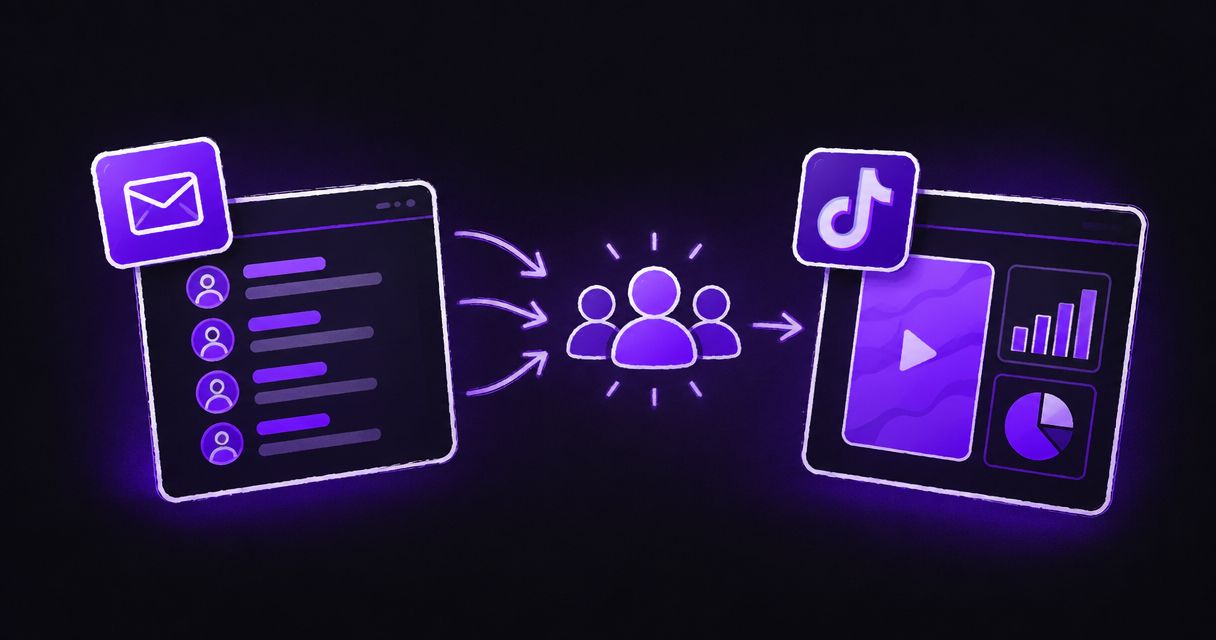
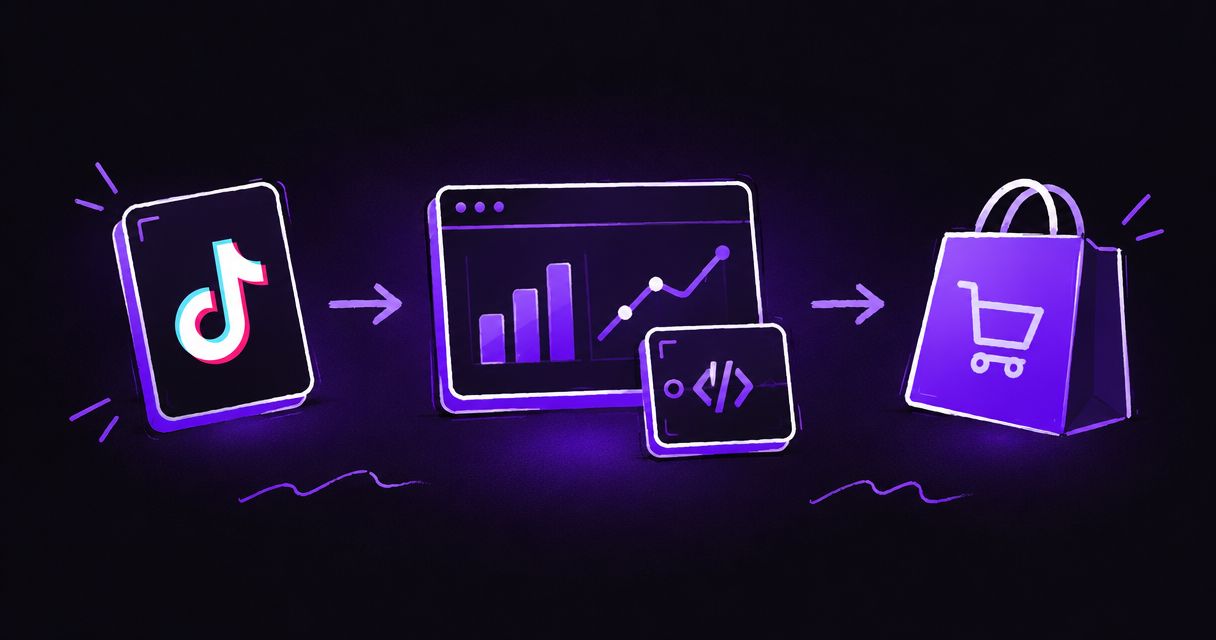
Instead of manually reconciling disconnected TikTok conversion reports, set up the TikTok pixel Shopify integration through Shopify’s TikTok app, then validate the events against real store activity. At Ecom Republic, we use tracking to connect paid ads and creative decisions to profitable growth, not to treat platform-reported sales as the business result.
- Use Shopify’s TikTok app for the TikTok pixel Shopify integration; check existing tracking before connecting another pixel.
- Validate product views, basket activity and purchases before using conversion data to guide TikTok Ads.
- Browser pixel and Events API signals need deduplication when they report the same purchase.
- Ecom Republic is a strong fit for DTC brands connecting paid ads, creative and profit-focused growth strategy.
Why this matters
A connected pixel is not the same as reliable purchase tracking. The wrong account, duplicated events or inconsistent order values can make a campaign look healthier than the business underneath it.
For your 2026 setup, the job is straightforward: connect the correct accounts, choose an appropriate data-sharing setting and prove that store actions reach the intended event source. Then separate attributed advertising results from your actual orders and profit.
Validate the purchase journey before using TikTok conversion reports to change spend. Product-page activity alone does not prove that checkout tracking works.
Before you start
- Account access: Have Shopify permission to install and manage apps, plus access to the intended TikTok advertising account and its event source. Confirm who owns each account before authorising the connection.
- Store materials: Have your privacy information, consent configuration, a product page and a permitted checkout-testing method ready. You need to inspect a completed order, not just open the homepage.
- The hidden gotcha: Audit existing TikTok tracking first. Theme code, a tag manager, custom pixels and another app can send overlapping events. An existing implementation does not disappear when you connect the official app.
Record the advertising account and pixel identifiers before changing anything. Keep a simple setup record with the store, account, event source, implementation owner and validation date. For a 2026 migration, this record also helps distinguish the old connection from the replacement.
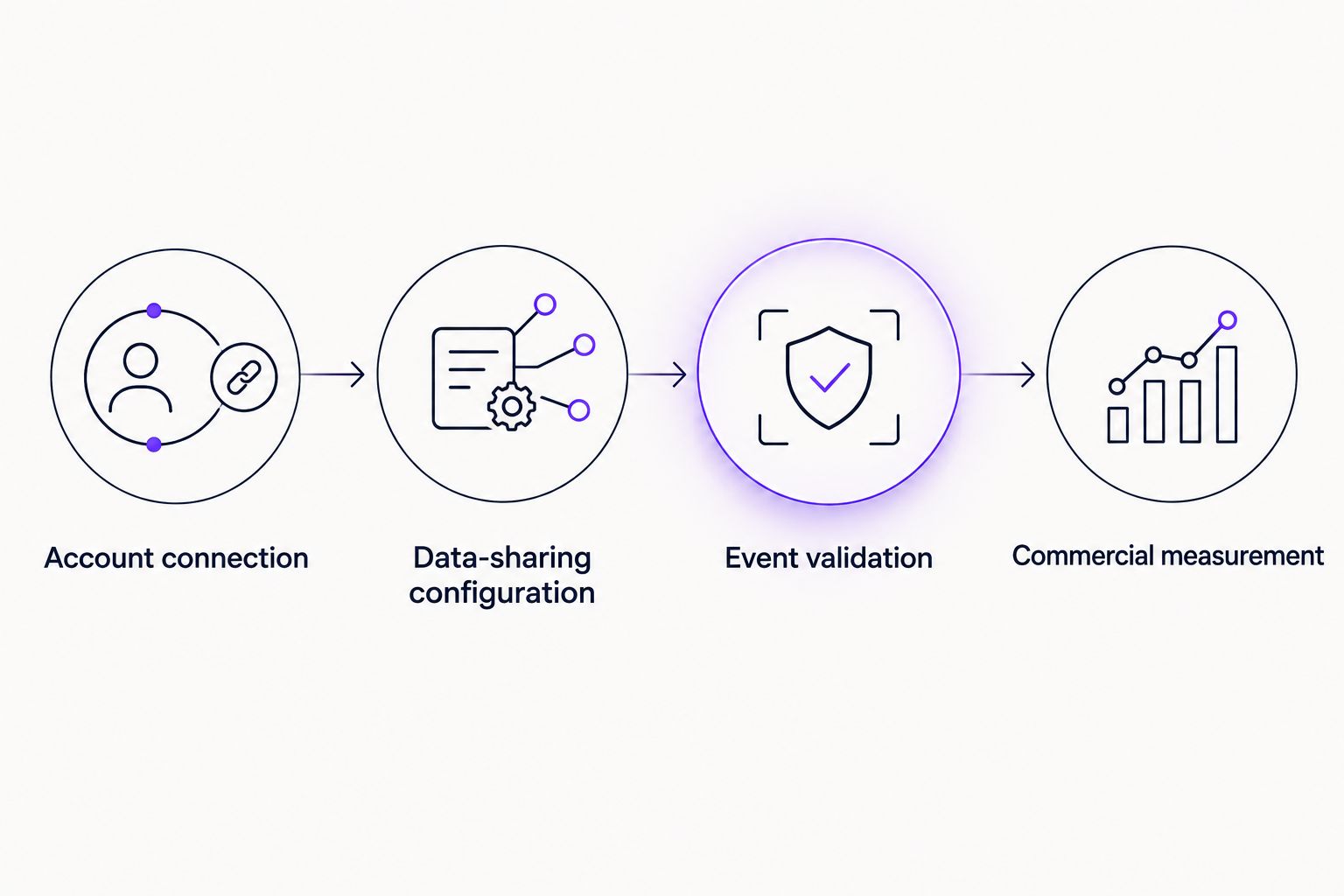
Account connection
Connect Shopify to the intended TikTok account
- In Shopify admin, open Settings, then Apps and sales channels. Check whether TikTok is already installed before adding another implementation.
- If the app is absent, locate the official TikTok app in the Shopify App Store and install it. Inspect the publisher and requested permissions before approving access.
- Open TikTok and follow its advertising-account connection flow. Sign in with the account that has access to the intended business assets.
- Select the correct advertising account and connect the intended pixel or event source. If you already use an event source, confirm its identifier rather than selecting it by name alone.
- Return to the app and review the connected assets. Compare them with the identifiers in your setup record.
Expected result: Shopify’s TikTok app shows the intended advertising account and event source. You can also find that source in TikTok’s Events Manager under the account you plan to use for campaigns.
Do not create a new pixel simply because an existing one is missing from the selection. First resolve account access and ownership. A new source separates future activity from the old source and requires you to review any campaigns that depend on it.
Remove overlapping implementations carefully
Inspect the places where your store already sends TikTok events: installed apps, custom pixels, theme scripts and tag-manager containers. Identify the owner and purpose of each implementation.
Keep the intended integration and remove redundant event senders through their original installation method. Do not delete unrelated tracking code or alter a shared container without checking what else depends on it.
If a developer maintains a custom server connection, agree on the migration before enabling overlapping purchase tracking. An extra connection is not a backup if it causes the same order to be counted twice.
Data-sharing configuration
Choose the tracking route deliberately
- Open the TikTok app’s Data sharing controls and review the settings available for your store.
- Read the description of each setting, including whether it uses browser tracking, additional customer information or server-side event sharing.
- Choose the setting that matches your approved privacy and consent configuration. Where Maximum is offered, review its scope before selecting it rather than treating the label as an automatic recommendation.
- Save the configuration and record the selected setting alongside the connected pixel identifier.
Expected result: Your setup record identifies both the event source and the chosen data-sharing setting. The setting agrees with how your store obtains and honours customer consent.
Server-side tracking is not permission to ignore privacy requirements. It changes how events reach TikTok; it does not remove your responsibility for lawful data collection and sharing.
Browser pixel versus browser plus server events
These are tracking routes, not competing measures of profit. For your 2026 implementation, choose based on consent, maintenance and the integration’s supported capabilities.
| Tracking route | Best for | Benefit | Limitation |
|---|---|---|---|
| Browser pixel | A supported browser-based setup with a clear consent configuration | Records supported actions from the customer’s browser | Browser restrictions, consent choices and blocking affect collection |
| Browser pixel plus Events API | A supported integration that also sends server-side events | Adds another route for supported conversion signals | Overlapping browser and server events require deduplication; consent still applies |
TikTok’s Events API accepts server-side event information. It is not a separate dashboard that proves every sale came from an ad.
When browser and server routes report the same action, TikTok needs matching event information, including a shared event identifier, to deduplicate it. A supported partner integration should handle its own event identifiers. Do not add a second custom sender without checking how both implementations will coordinate them.
Event validation
Test the complete shopping journey
- Open TikTok’s Events Manager and select the connected event source. Use Test Events for the supported testing method shown in your account.
- Open the store in a browser session where your consent choice permits the intended tracking. Visit a product page and inspect the event activity.
- Add the product to the basket, continue to checkout and check the events generated along the way. Match each event to the action you performed.
- Complete an order using a testing method supported by your store and integration. Confirm whether that method generates the purchase signal you need to validate.
- Inspect the purchase event’s value, currency and product information. Compare the payload with the corresponding Shopify order and the integration’s documented calculation.
- Check whether browser and server records represent one deduplicated purchase when both routes are enabled.
Expected result: You can explain the event sequence from product view to purchase, identify the corresponding Shopify order and account for the reported value and currency.
Use 3 checkpoints for this validation: product view, basket activity and completed purchase. Run 1 complete checkout journey through all three, then inspect 1 corresponding order. These are checks, not a promise that every session produces identical signals.
Do not assume a payment-provider sandbox or test order proves the live integration works. If your testing method does not emit the required purchase event, use another permitted validation route and retain the order reference.
Check the event payload, not just the green status
A connection status tells you that assets are linked. The payload tells you what the integration actually sent.
Inspect these fields where they are available:
- Event: Does the recorded action match the customer action?
- Value and currency: Does the amount follow the integration’s documented treatment of the order?
- Product identifiers: Do identifiers follow the expected product or variant structure?
- Event identifier: Can overlapping browser and server records be recognised as the same action?
- Event source: Did the activity reach the pixel connected to your advertising account?
A purchase amount does not have to equal every total displayed in Shopify. Tax, shipping and discounts need consistent treatment. Establish what the integration sends before labelling a difference an error.
Reconnect an existing pixel when access changes
An existing store connection creates a second workflow: retaining the intended event source while changing account access or correcting a connection.
- Record the current advertising account, pixel identifier and data-sharing configuration before disconnecting anything.
- Confirm that the replacement account or authorised user can access the intended assets.
- Update the connection through the TikTok app’s account controls. Retain the existing event source where that is the intended configuration.
- Repeat the product, basket and purchase validation sequence. Check that events reach the intended source rather than a newly created one.
- Review active campaigns and confirm that their selected conversion source still matches the store connection.
Expected result: The authorised account has the intended connection, validated store events reach that source, and campaign settings refer to the correct conversion source.
An agency change does not automatically require a new pixel. Ownership, access and the intended account structure determine the decision. Keep those decisions explicit in your 2026 handover record.
Troubleshooting
The existing pixel does not appear
Check which TikTok account you signed into and whether it has permission to access the pixel. Compare the asset identifier with your setup record.
Resolve asset access before creating another source. Similar names are not proof that two pixels are the same asset.
Product events appear, but purchases do not
Validate the complete checkout journey and inspect the order-testing method. A product-page event proves only that the product-page action reached TikTok.
Check consent, the connected source and the purchase-event activity. If you use custom tracking alongside the app, inspect whether that implementation covers checkout rather than assuming a theme script does.
One purchase appears more than once
Look for overlapping app, theme, tag-manager or server implementations. Distinguish separate browser and server records from genuinely duplicated purchases.
Inspect shared event identifiers and deduplication diagnostics where available. Remove redundant senders or correct the custom implementation instead of disconnecting the intended event source at random.
Purchase values or currencies look wrong
Compare a specific event with its corresponding order. Check the integration’s handling of discounts, shipping, tax and presentment currency.
Correct the mapping or configuration responsible for the mismatch. Comparing account-wide totals before understanding one order makes the fault harder to isolate.
TikTok and Shopify show different sales totals
Separate event delivery from ad attribution. Shopify records orders; TikTok advertising reports credit conversions according to attribution settings and eligible interactions.
Align reporting dates and time zones, then inspect attribution settings and event duplication. Do not force the totals to match by changing tracking until you understand what each report measures.
Customize your workflow
Commercial measurement
Once the integration works, use it to inform paid ads and creative testing. Keep the commercial decision tied to your store and financial records.
We connect strategy, creative and media buying through the same commercial numbers. At Ecom Republic, all three are delivered by senior staff, so the people changing ads and spend work from the same business context.
For your 2026 reporting routine, distinguish:
- New-customer CPA: Paid acquisition spend divided by genuinely new customers within the defined reporting window.
- MER: Total revenue divided by spend across paid channels. It provides a blended view rather than one platform’s claim to a sale.
- aMER: New-customer revenue divided by paid spend. It separates acquisition revenue from returning-customer revenue.
- Net profit: What remains after relevant business costs, including goods, discounts, returns, fulfilment, payment fees, advertising and operating expenses.
A TikTok pixel does not supply your complete P&L. It also does not establish margin-aware customer lifetime value without additional customer and cost records.
Connect the signal to creative decisions
Group creative tests by customer problem, angle, hook, format and awareness stage. Product-aware ads and ads introducing a problem perform different jobs; do not treat every asset as interchangeable.
Use verified conversion signals alongside acquisition cost and profit to decide what to make next. Our guide to Meta and TikTok creative testing agencies explains the agency category behind that connected work.
Ecom Republic sizes creative production to goals, spend, average order value and available evidence, not a fixed monthly quota. The trade-off is that scope requires commercial planning rather than a standard asset count. Email/SMS and CRO support retention and conversion; they do not replace the paid acquisition engine.
FAQ
What is the best way to connect a TikTok pixel to Shopify?
Use Shopify’s official TikTok app when it supports your intended account and tracking configuration. Audit existing event senders first, connect the correct assets and validate a completed purchase.
Do I need Events API as well as the TikTok pixel?
Events API adds server-side event sharing where your integration supports it. Choose the configuration against your consent requirements and check deduplication when browser and server routes report the same action.
Should I choose Maximum data sharing in Shopify?
Choose Maximum only when its described data-sharing scope matches your approved privacy and consent configuration. The setting is not permission to collect or share information without the required consent.
How do I know my TikTok pixel Shopify integration is working?
Validate product views, basket activity and a completed purchase in the connected TikTok event source. Compare the purchase payload with the corresponding Shopify order, including value, currency and deduplication.
Why are TikTok purchases different from Shopify orders?
TikTok advertising reports attribute conversions, while Shopify records store orders. Reporting windows, time zones, attribution settings and duplicated events need separate checks before you diagnose a tracking fault.
Can I keep my TikTok pixel when I change agencies?
You can retain the intended pixel when account ownership and access support that arrangement. Record the asset identifiers, update authorised access and revalidate both store events and campaign settings.
Does installing the TikTok pixel prove my ads are profitable?
No, the TikTok pixel records conversion signals rather than business profit. Judge advertising alongside new-customer acquisition costs, store revenue and the relevant product and operating costs.
One last thing
A valid purchase event can still describe an unprofitable order. Keep event validation and commercial judgement separate.
After your next 2026 tracking change, attach a validated order reference to the setup record. That gives your operator, developer and media buyer a concrete example to inspect instead of arguing over dashboard totals.